> ## Documentation Index
> Fetch the complete documentation index at: https://docs.superfuel.io/llms.txt
> Use this file to discover all available pages before exploring further.
# Intro to Superfuel
Superfuel is your intelligent Amazon assistant that analyzes data, provides actionable recommendations, and automates critical seller tasks. Think of it as your 24/7 Amazon operations team that never sleeps.
### What can you do with Superfuel?
* Automate repetitive tasks with your own Workflows
* Analyze competitor strategies using real-time market data
* Optimize and monitor listings with data-driven recommendations
* Manage PPC campaigns with intelligent bid adjustments
* Plan inventory using the latest stock levels and sales data
* Generate insights from your Seller Central data
### Connected platforms
* **Seller Central** - Full API access to your account metrics and reports
* **Amazon Shopper Site** - Real-time competitor and market data
* **Google Sheets** - Sync with your custom spreadsheets and data
* **Jungle Scout** - Keyword research and competitor analysis
* **Keepa** - Historical pricing and BSR tracking
### Two ways to use Superfuel
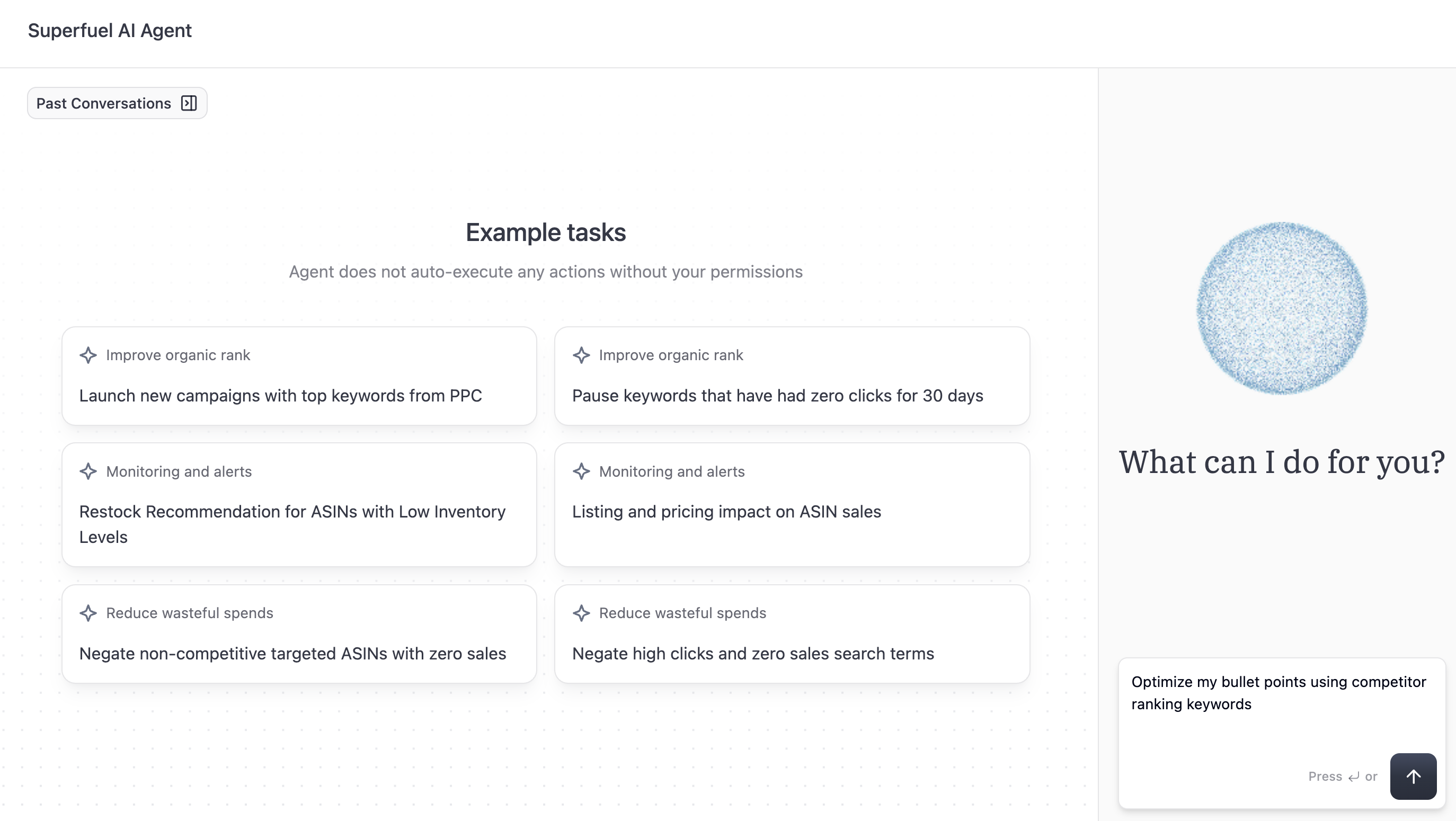
1. **Chat with the Agent** and create any Workflow you want
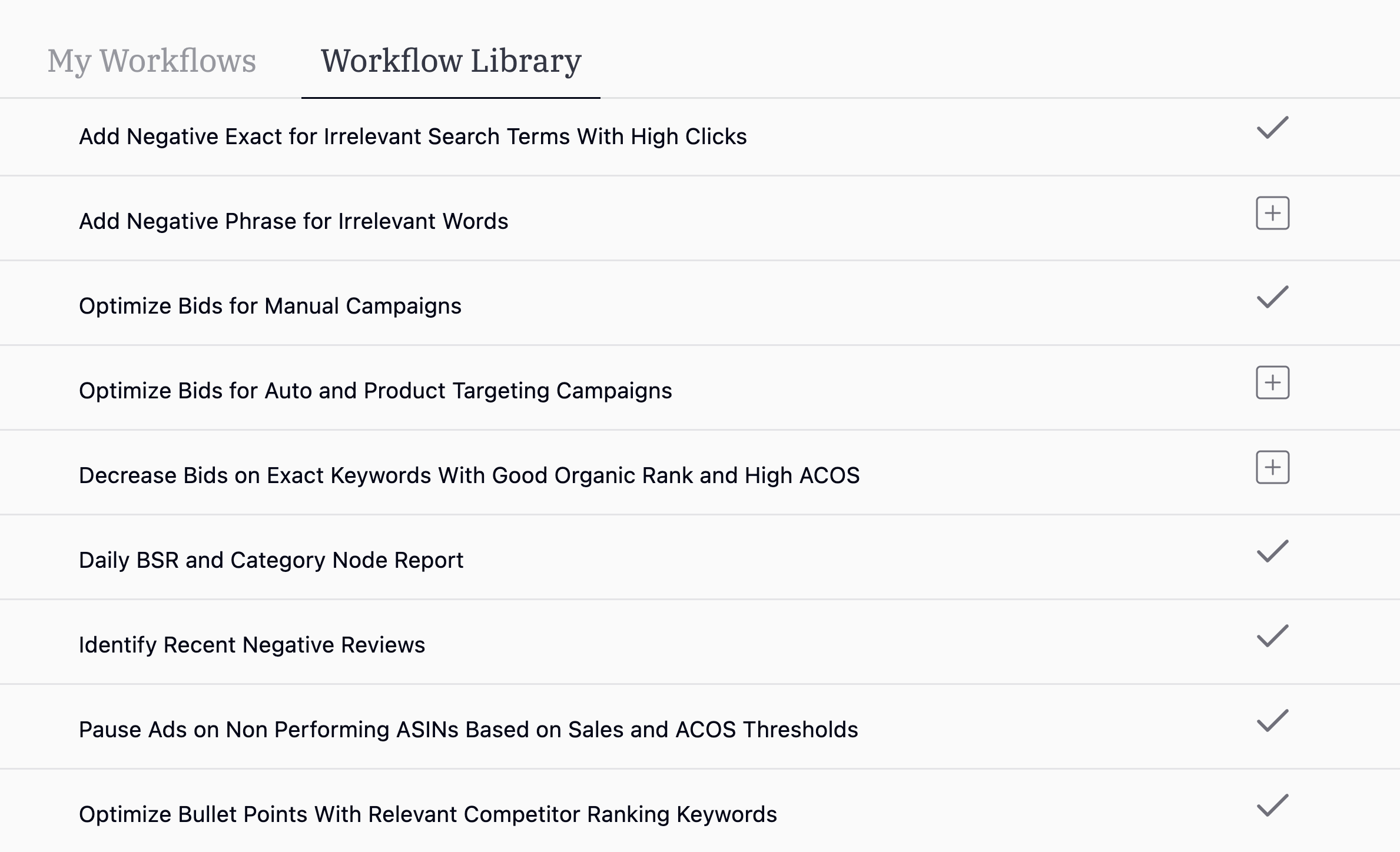
2. **Choose from popular Workflows** used by other brands
Click here to follow our 2 step quickstart guide
## Explore
Automate data fetching, analysis, and actions.
Curated workflows from other sellers.
See how successful sellers use Superfuel
 2. **Choose from popular Workflows** used by other brands