

1
Navigate to My Workflows, and open any workflow you want to edit
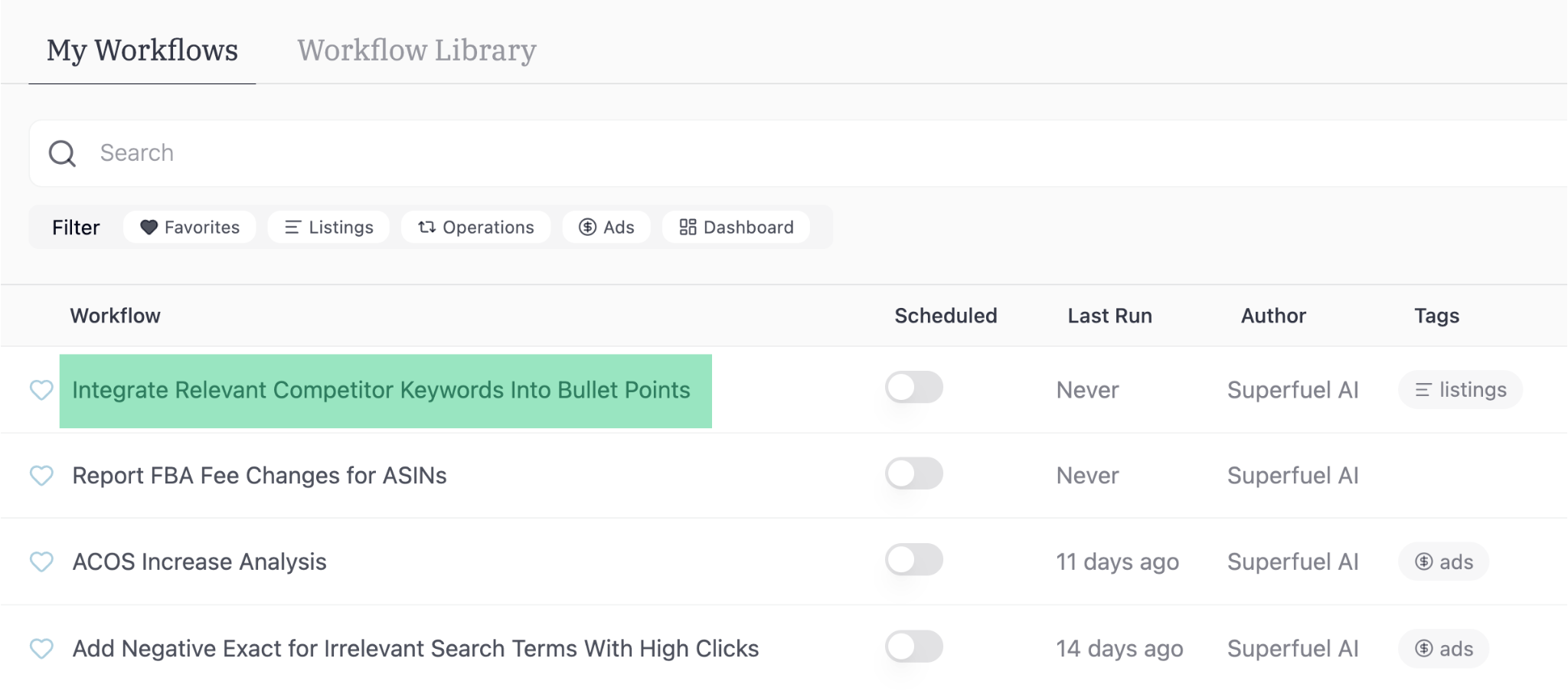
If you’re looking to edit a workflow from “Workflow Library”, you have to add it to “My Workflows” first.
2
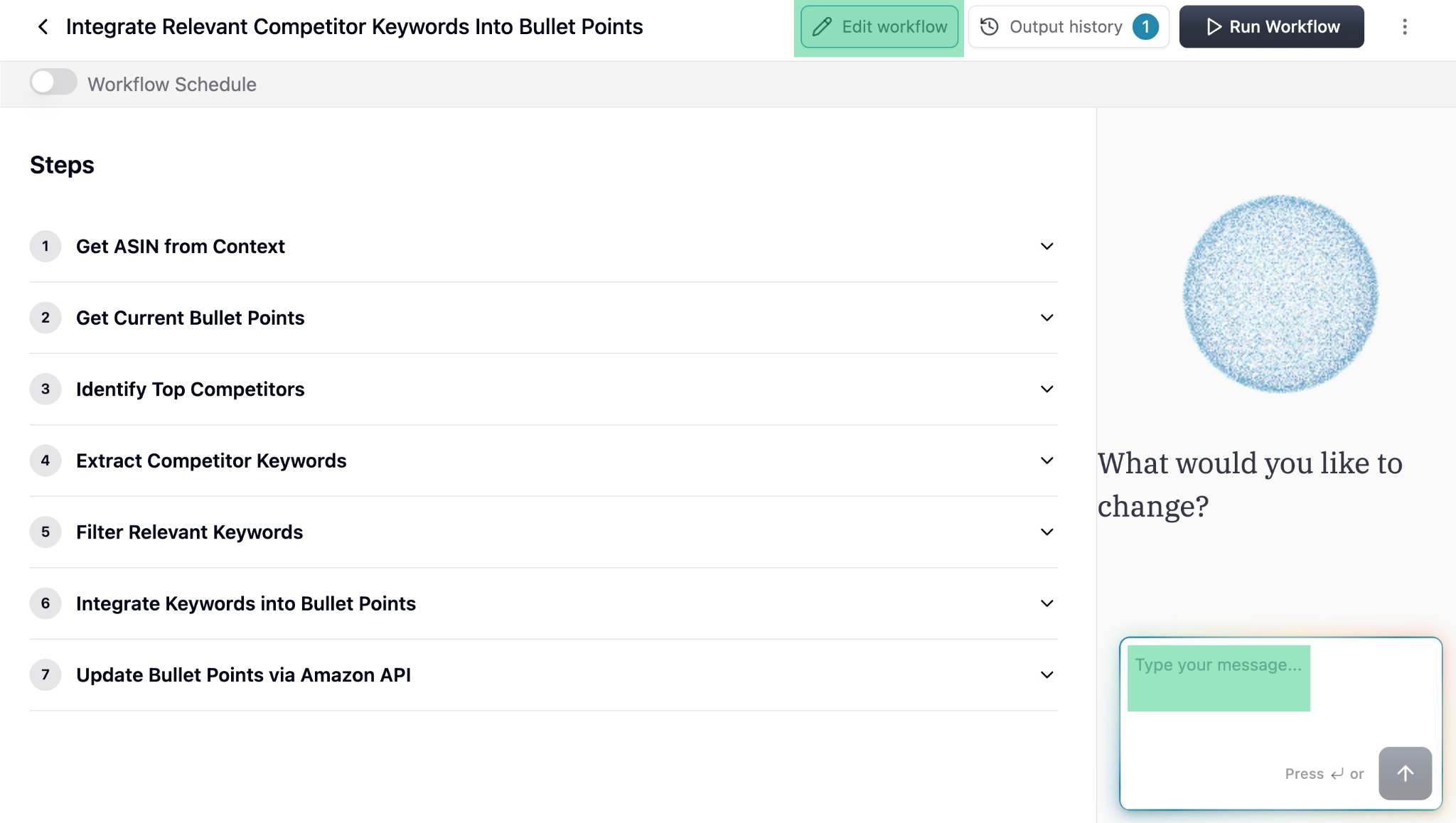
Click "Edit Workflow"
3
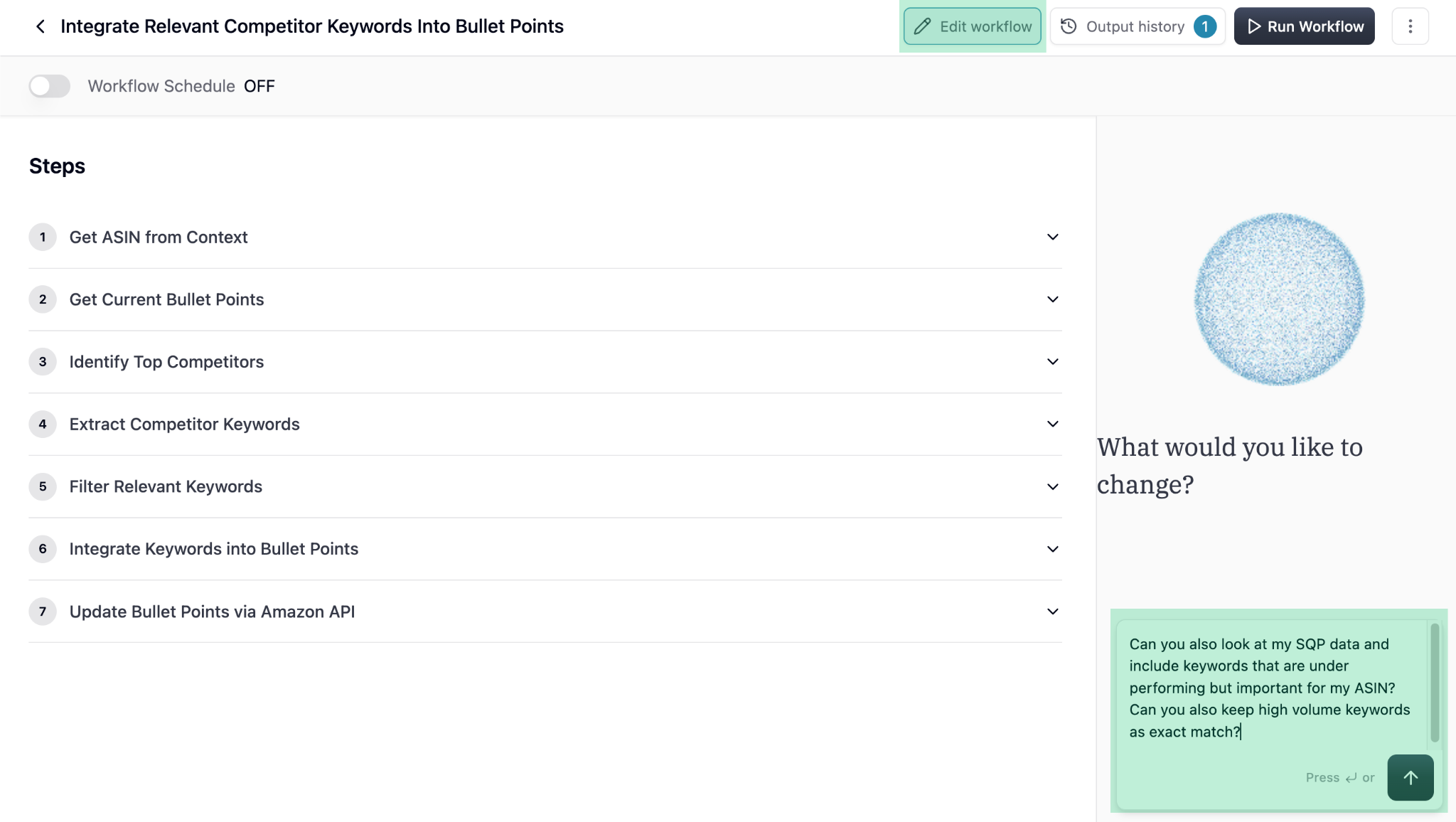
Tell the Agent the changes you want in the Workflow or Output
4
Review the revised Steps proposed by the Agent
Review the steps and ask the Agent to make changes if needed. If no changes are required, tell the Agent to go ahead with generating the test output.The Agent will generate output on random 4-5 ASINs to show what the output looks like. If you’re happy with the output, you can select specific ASINs you want to run the workflow on.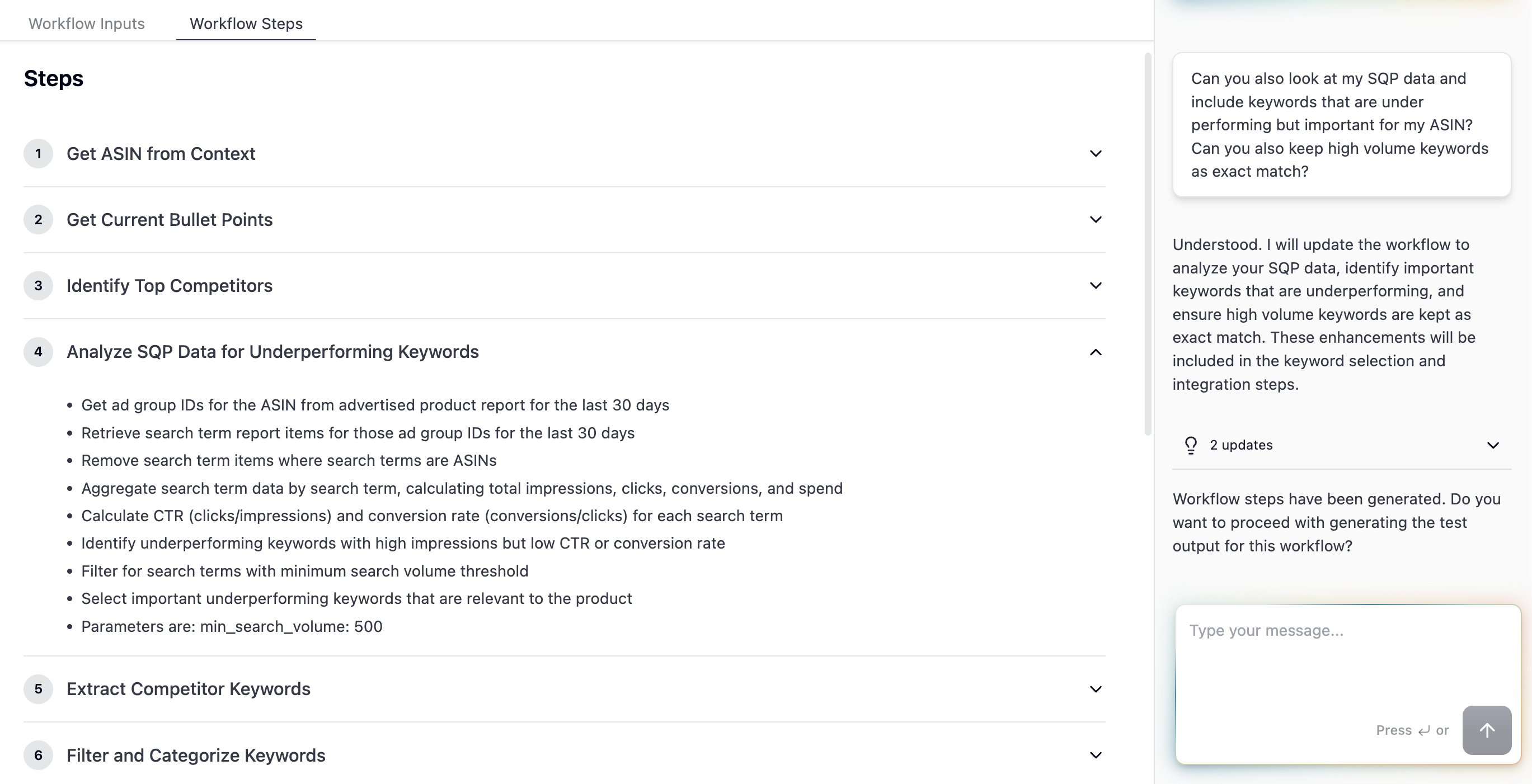
5
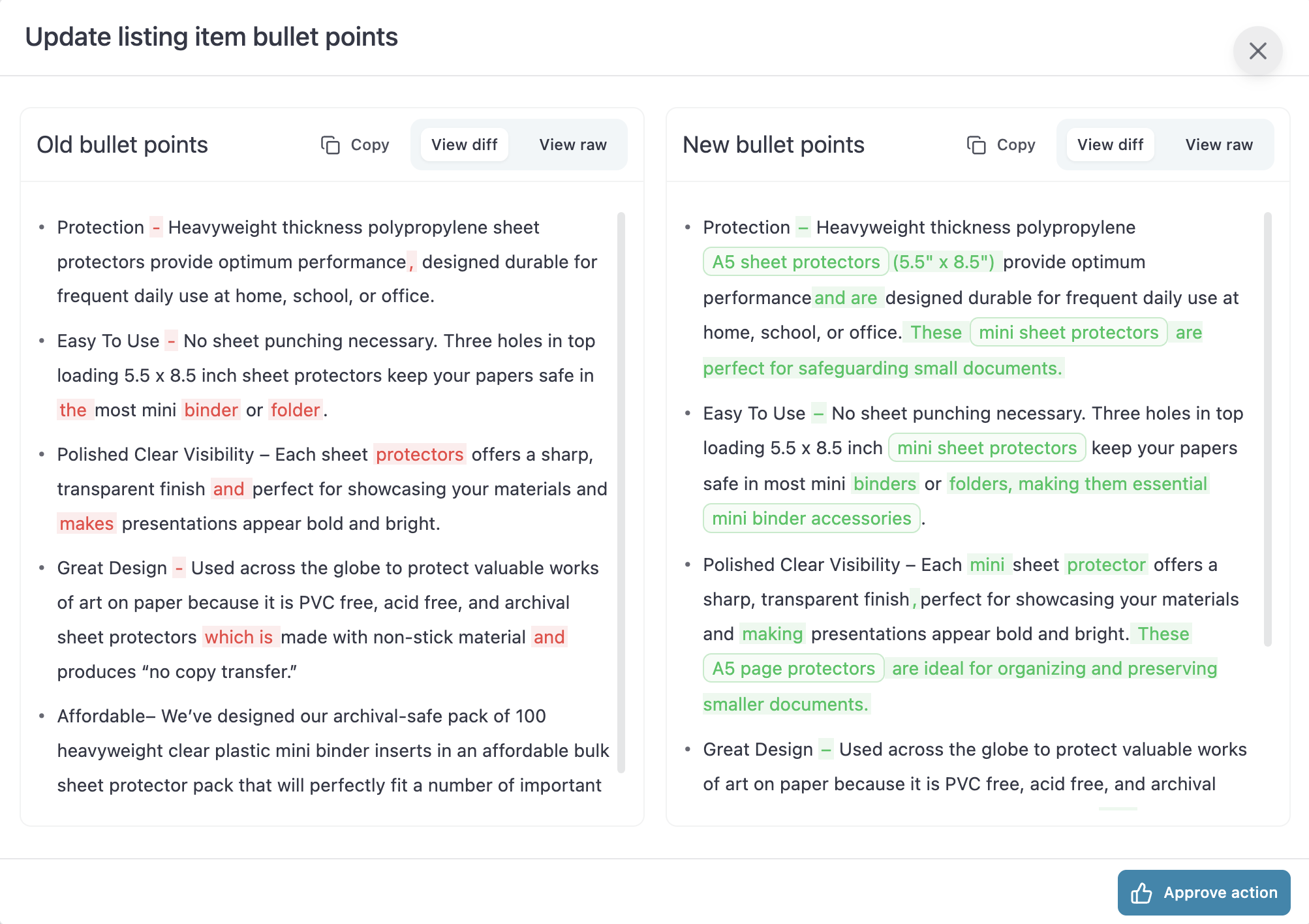
Review the test Output
Click on view to see specific ASIN’s Workflow output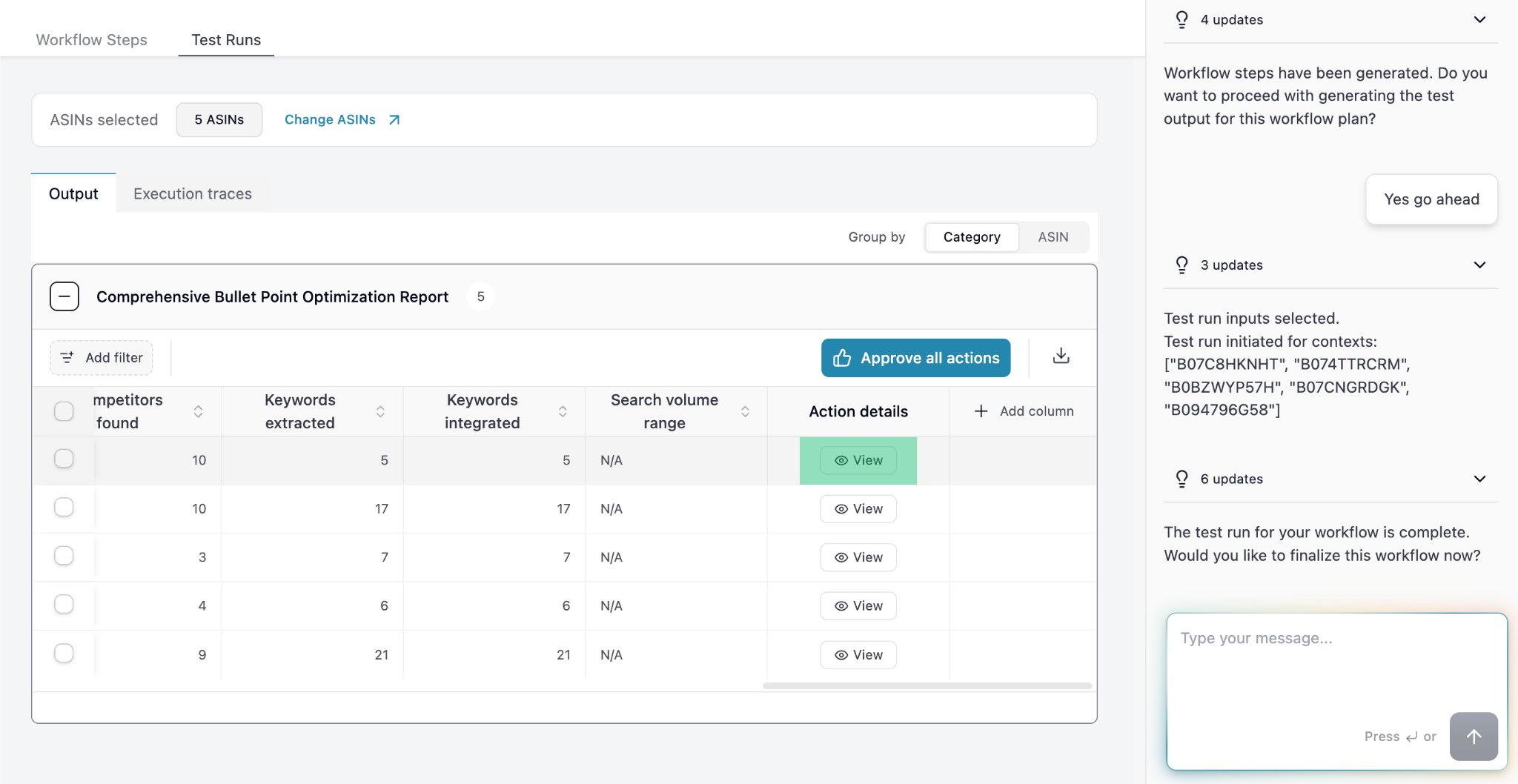
6
Continue refining the Workflow and Output
If the output is not per your expectation, continue chatting with the Agent and mention what more needs to be improved in the Workflow.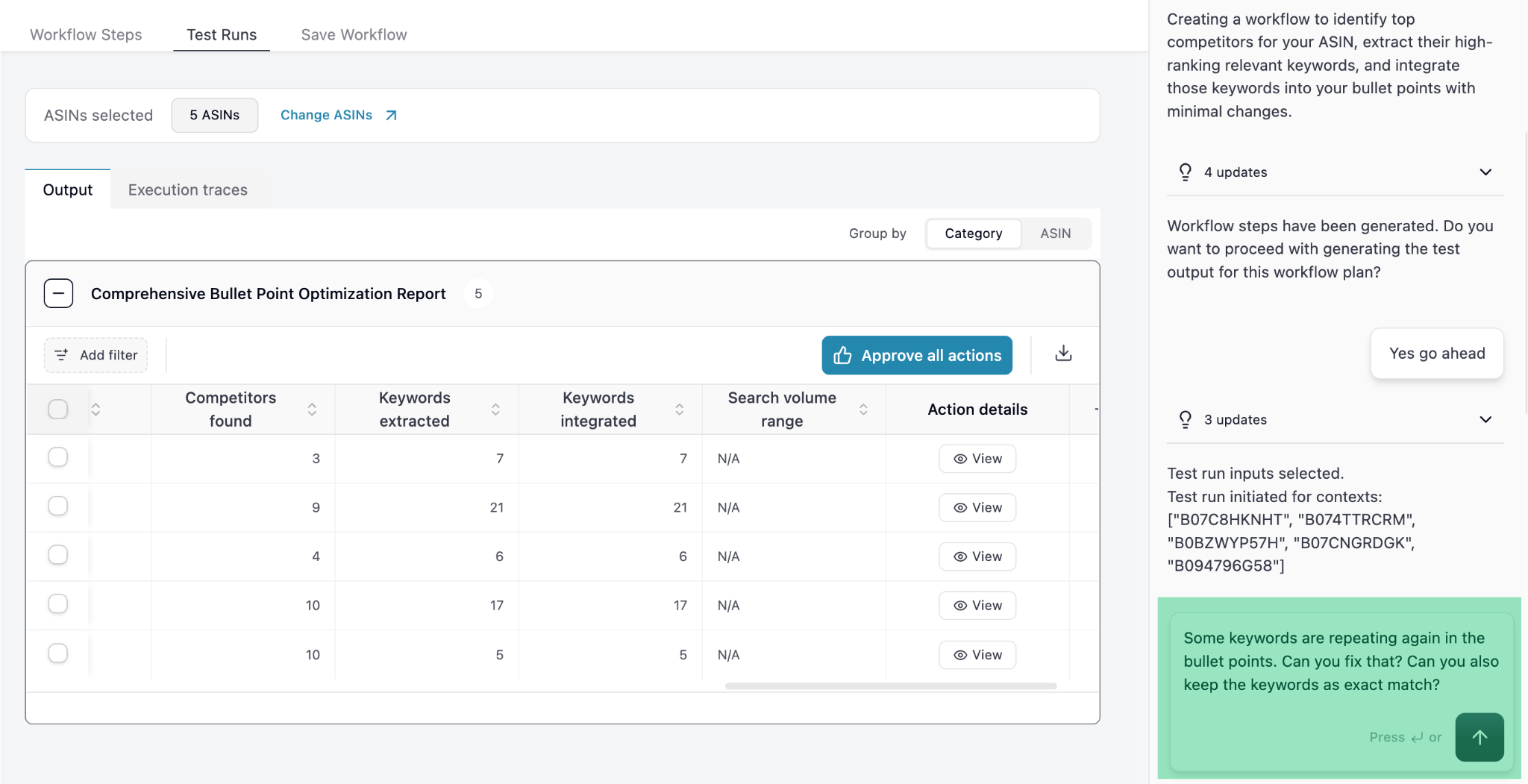
7
Save the Workflow
Once you’re happy with the output you can ask the Agent to save the workflow.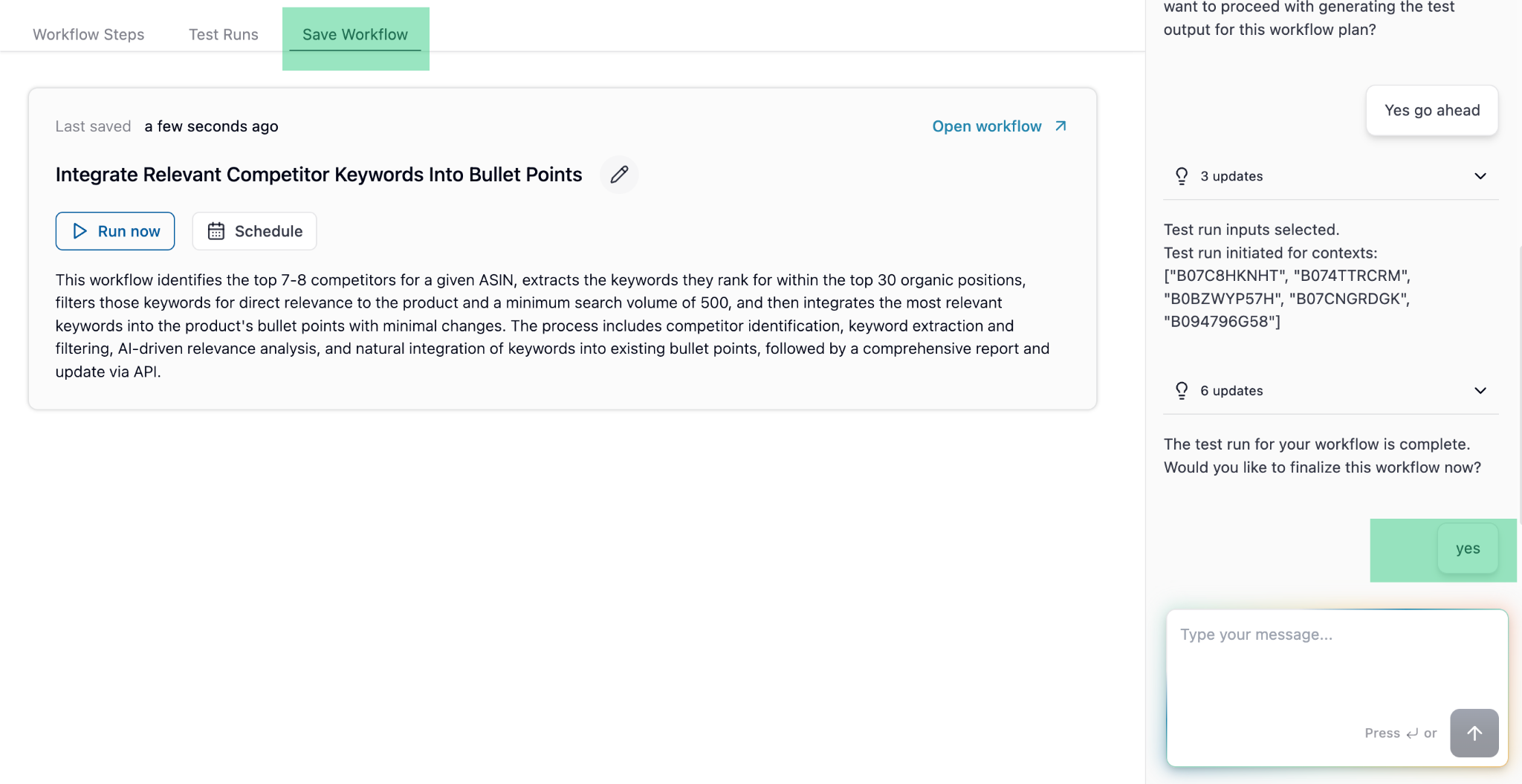
Explore
Scheduling a Workflow
Daily, weekly or monthly for specific ASINs / campaigns
Popular use cases
That are widely used and implemented by Superfuel users
Best Practices
See how successful sellers set up and use Superfuel