

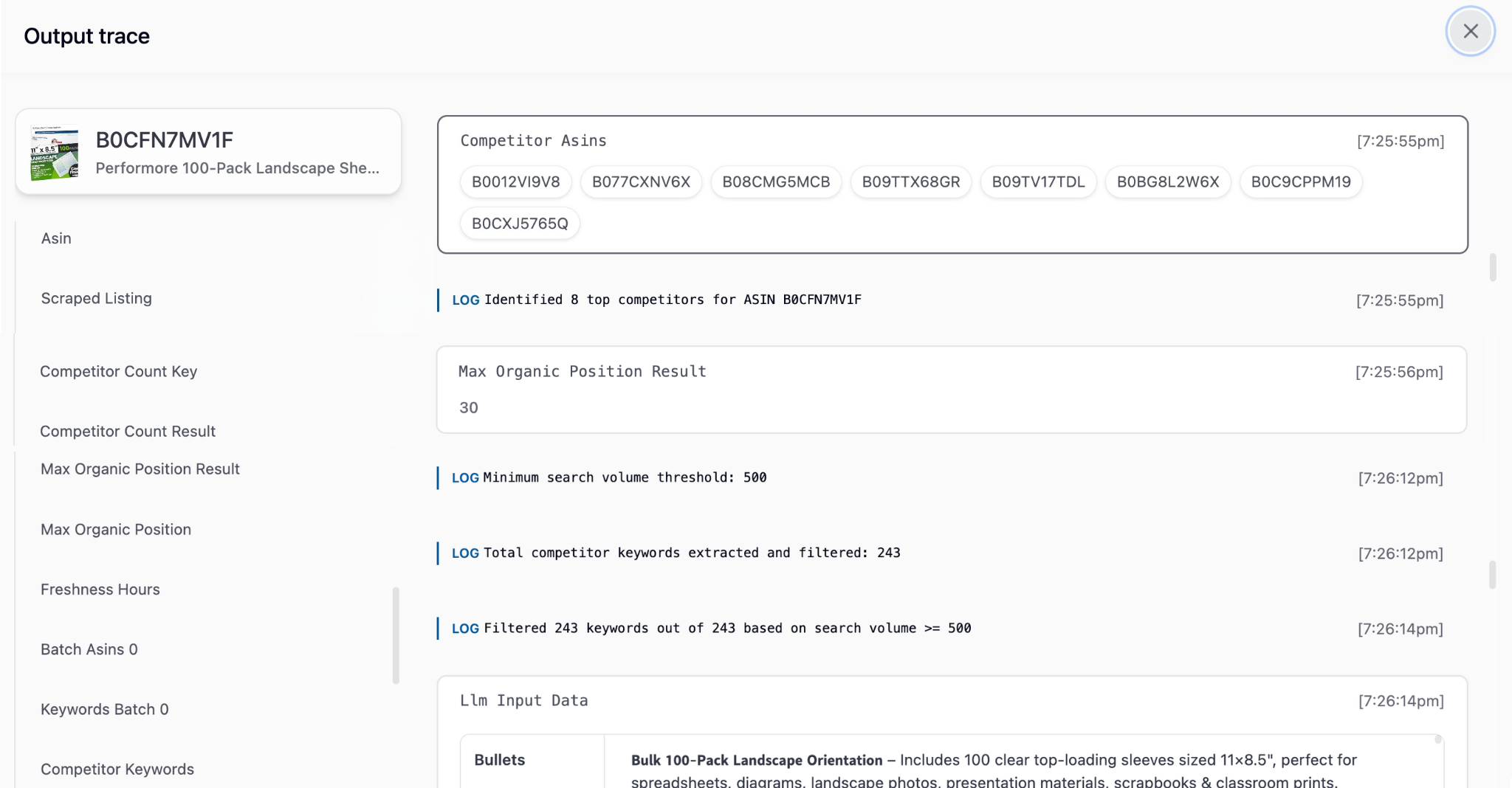
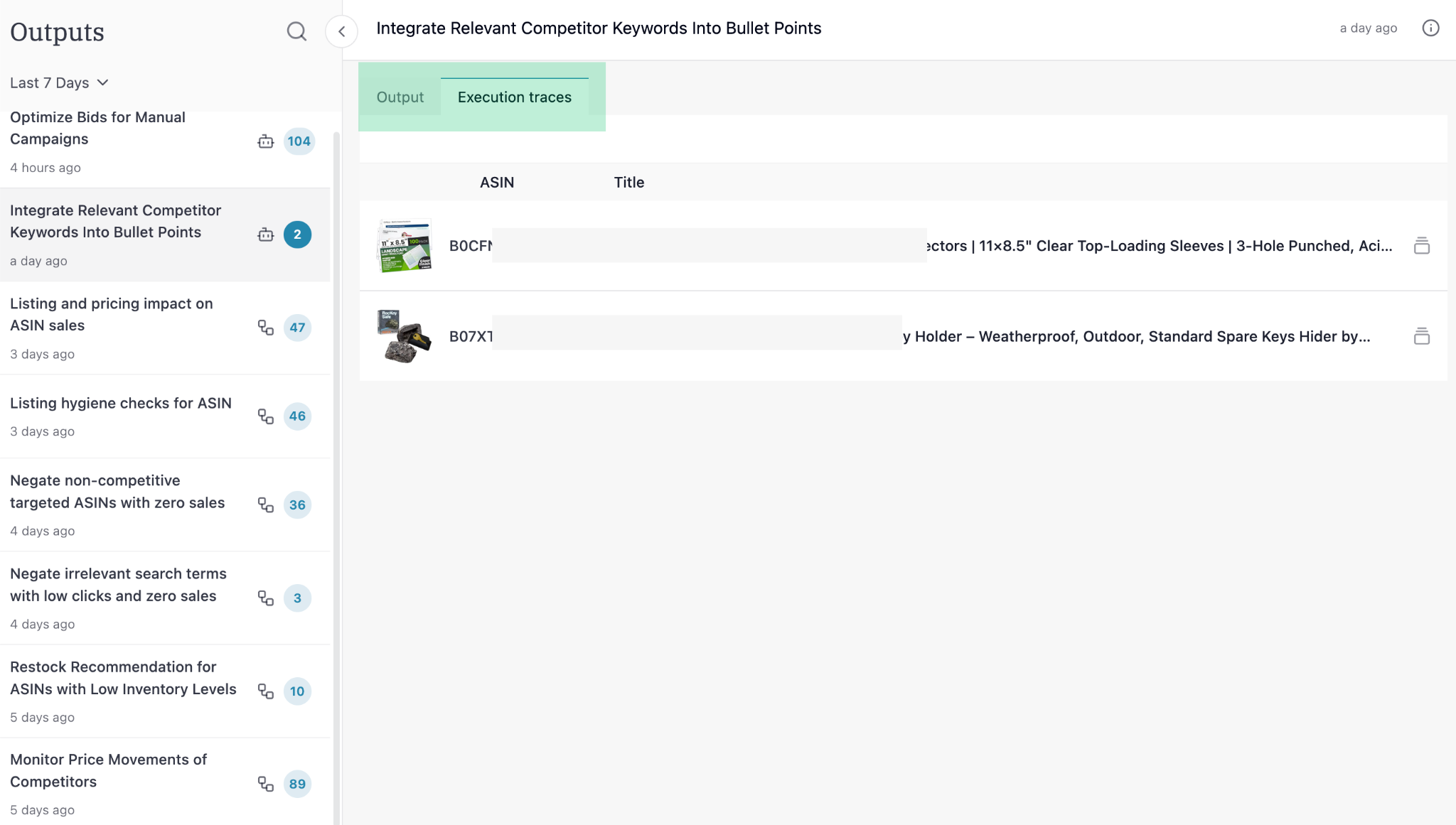
How to use execution trace
- Step-by-step breakdown: See what data was fetched
- Intermediate results: Understand calculations
- Decision points: See why certain actions were taken
- Error identification: Pinpoint failure points
Explore
Scheduling a Workflow
Daily, weekly or monthly for specific ASINs / campaigns
Editing a Workflow
Modify any workflow to match exactly what you do manually
Best Practices
See how successful sellers set up and use Superfuel